> ## Documentation Index
> Fetch the complete documentation index at: https://docs.wandb.ai/llms.txt
> Use this file to discover all available pages before exploring further.
# Sur une instance locale, quels fichiers vérifier en cas de problème ?
Lorsque vous résolvez des problèmes sur une instance locale W\&B, commencez par récupérer le **Debug Bundle**. Ce bundle contient les journaux et les informations système dont vous avez besoin pour diagnostiquer les problèmes.
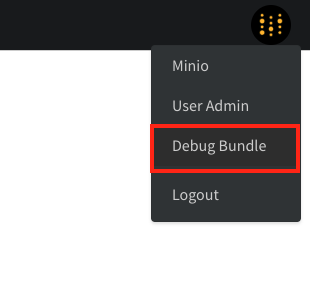
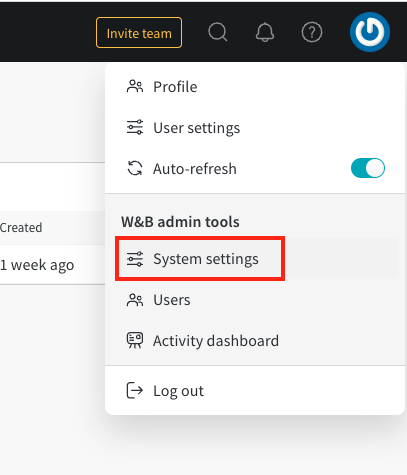
Pour télécharger le bundle, un administrateur ouvre la page `/system-admin`, sélectionne l’icône W\&B dans le coin supérieur droit, puis choisit **Debug Bundle**.
 ***
[Administrateur](/fr/support/models/tags/administrator)
***
[Administrateur](/fr/support/models/tags/administrator)