> ## Documentation Index
> Fetch the complete documentation index at: https://docs.wandb.ai/llms.txt
> Use this file to discover all available pages before exploring further.
# Cline with Serverless Inference
> Learn how to configure the Cline coding agent to use Serverless Inference.
[Cline](https://cline.bot) is an AI-powered coding assistant. This tutorial demonstrates how to configure Cline to use models provided by Serverless Inference, so that you can use open-weight models hosted on W\&B Inference for your coding tasks.
The Cline agent is available as a command line tool or as an integration with many IDEs. The following sections describe configuration with the Cline CLI and with Cline as a Visual Studio Code extension. Configuration in other IDEs is similar.
## Prerequisites
You need your [W\&B API key](../prerequisites#set-up-your-wb-account-and-project).
## Set up Cline in the command line
Install the [Cline CLI](https://docs.cline.bot/cline-cli/installation).
```bash theme={null}
npm install -g cline
```
See [Cline's installation instructions](https://docs.cline.bot/cline-cli/installation) for troubleshooting.
These instructions were tested with Cline CLI version `2.5.1`. Run `cline version` to verify what you have installed.
Next, authenticate Cline against the Serverless Inference endpoint. The following command configures Cline to use the Serverless Inference OpenAI-compatible endpoint and the Kimi K2.5 model. Substitute `[YOUR-API-KEY]` with your W\&B API key.
```bash theme={null}
cline auth -k [YOUR-API-KEY] -p openai -b https://api.inference.wandb.ai/v1 -m moonshotai/Kimi-K2.5
```
For model availability and pricing, see the [W\&B Inference model catalog](https://wandb.ai/inference).
Run a test to verify everything is working:
```bash theme={null}
cline "What is 2 + 2?"
```
If Cline responds with an answer, your installation and authentication are complete.
For more information about using the Cline CLI, see the [Cline Quickstart](https://docs.cline.bot/cline-cli/installation#quick-start).
## Set up Cline in Visual Studio Code
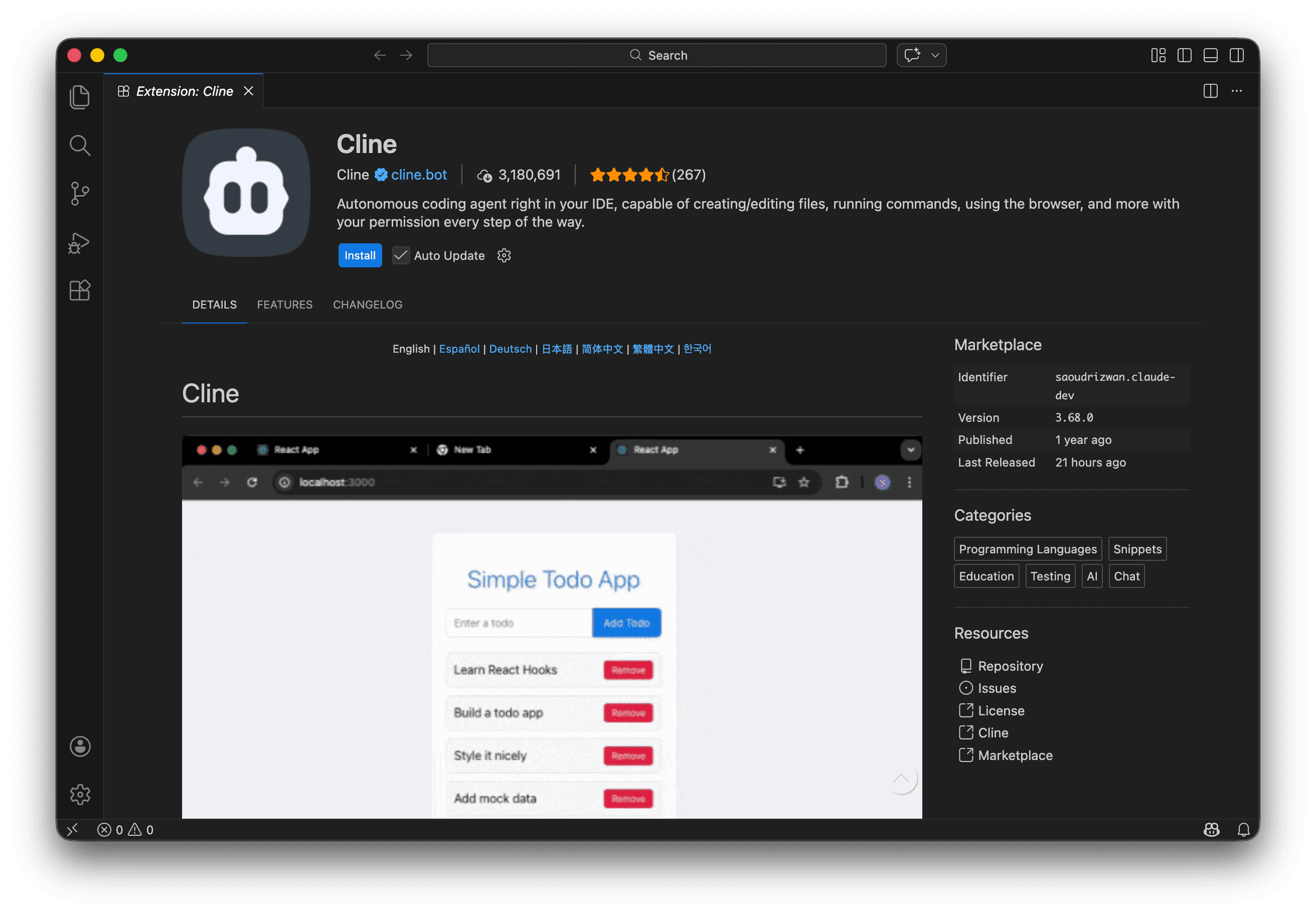
If you prefer to use Cline inside an IDE, you can install it as a Visual Studio Code extension. Search for **Cline** in the VS Code Extensions Marketplace, or install it from the [Visual Studio Code Marketplace](https://marketplace.visualstudio.com/items?itemName=saoudrizwan.claude-dev).
Click **Install**.
 Click the newly added Cline icon in your Activity Bar to open the Cline sidebar. If the Cline icon isn't showing in the Activity Bar, click the dropdown to see more options.
 Select **Bring my own API key** and click **Continue**.
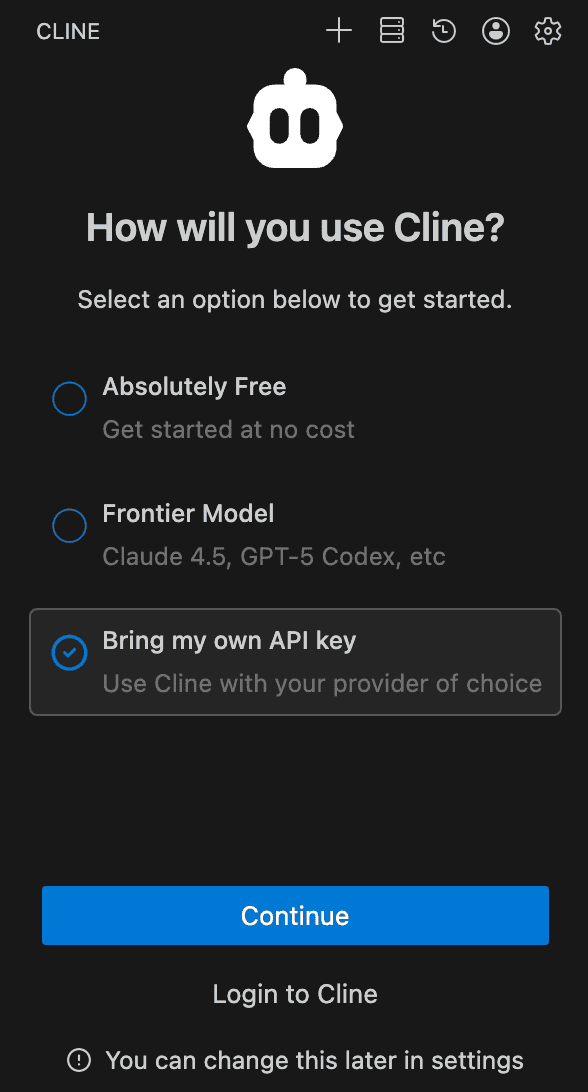 Specify the following values, substituting `[YOUR-API-KEY]` with your W\&B API key:
| Setting | Value |
| ------------------------- | ----------------------------------- |
| API Provider | `OpenAI Compatible` |
| Base URL | `https://api.inference.wandb.ai/v1` |
| OpenAI Compatible API Key | `[API-KEY]` |
| Model ID | `moonshotai/Kimi-K2.5` |
Specify pricing by expanding **Model Configuration**.
Click **Continue**.
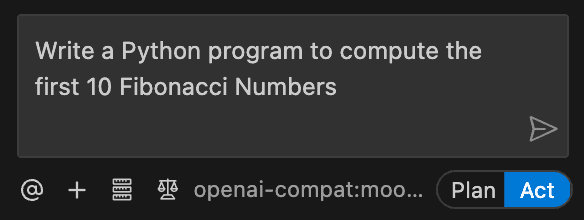
Try submitting a prompt like "Write a Python program to compute the first 10 Fibonacci Numbers".
Specify the following values, substituting `[YOUR-API-KEY]` with your W\&B API key:
| Setting | Value |
| ------------------------- | ----------------------------------- |
| API Provider | `OpenAI Compatible` |
| Base URL | `https://api.inference.wandb.ai/v1` |
| OpenAI Compatible API Key | `[API-KEY]` |
| Model ID | `moonshotai/Kimi-K2.5` |
Specify pricing by expanding **Model Configuration**.
Click **Continue**.
Try submitting a prompt like "Write a Python program to compute the first 10 Fibonacci Numbers".
 For more information about using Cline, see the [Cline Documentation](https://docs.cline.bot).