> ## Documentation Index
> Fetch the complete documentation index at: https://docs.wandb.ai/llms.txt
> Use this file to discover all available pages before exploring further.
# 不要なReportsをフィルターして削除する
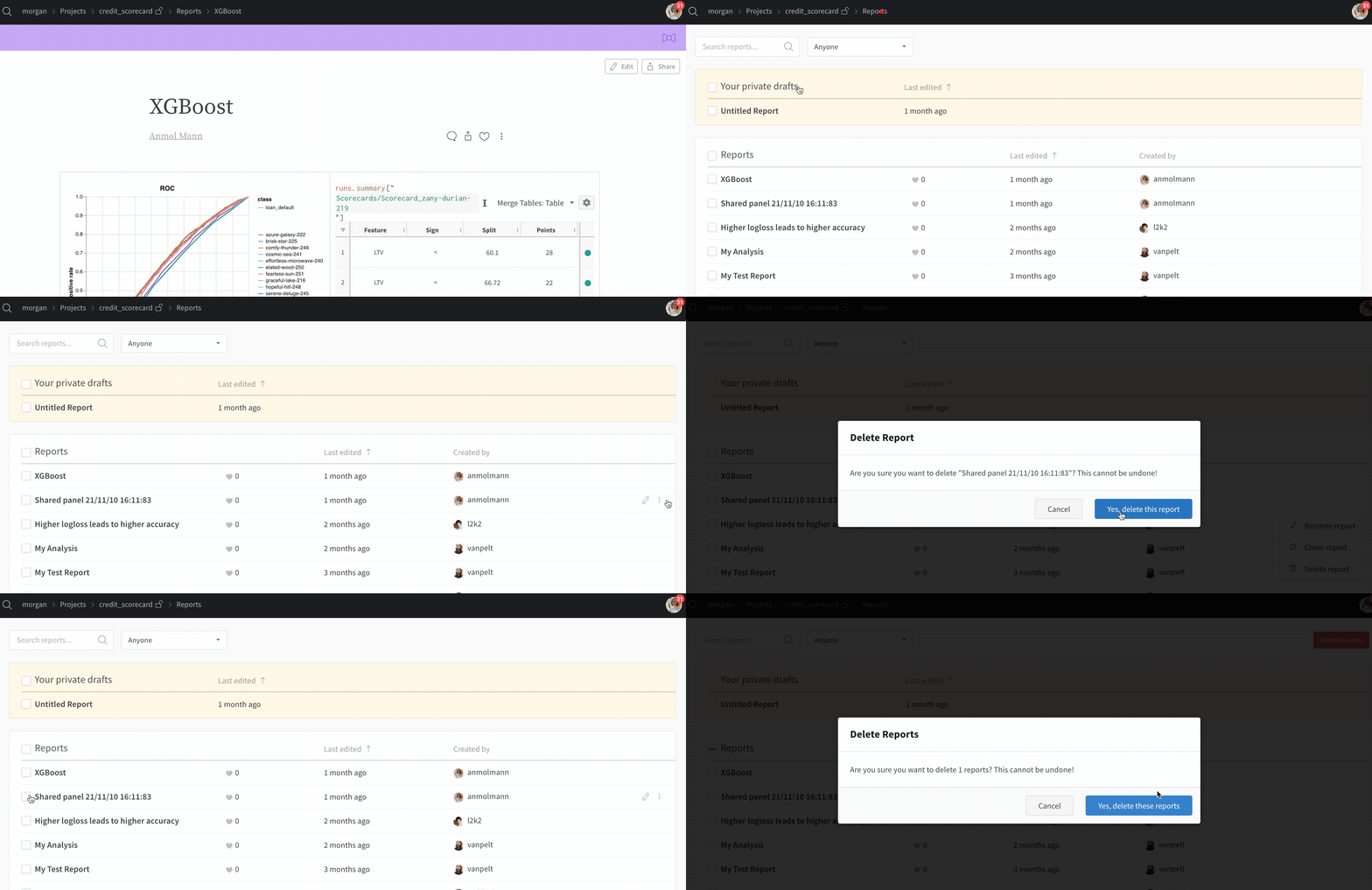
projectを整理された状態に保つため、不要になったレポートを削除します。検索バーを使用してReportsの一覧を絞り込んでから、次のいずれかを行います。
* 1 件のレポートを削除するには、不要なレポートを選択します。
* 複数のレポートを削除するには、すべてのReportsを選択して **Delete Reports** をクリックします。
 ***
[Reports](/ja/support/models/tags/reports)
***
[Reports](/ja/support/models/tags/reports)