> ## Documentation Index
> Fetch the complete documentation index at: https://docs.wandb.ai/llms.txt
> Use this file to discover all available pages before exploring further.
# レポートに画像を追加する
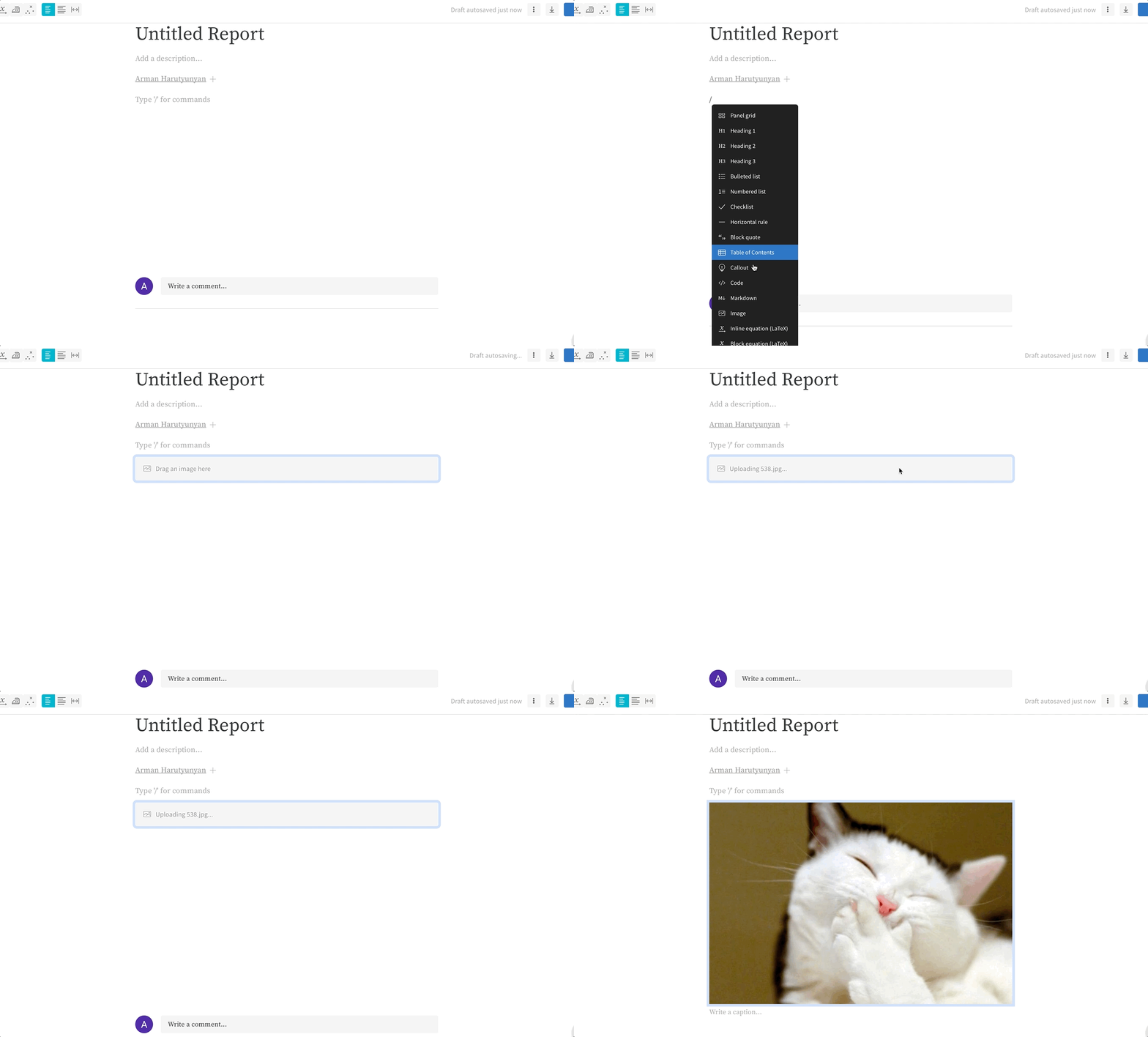
レポートに画像をアップロードするには、次の手順に従います。
1. 新しい行で `/` を入力します。
2. **Image** オプションまでスクロールします。
3. 画像をレポートにドラッグ&ドロップします。
 ***
[Reports](/ja/support/models/tags/reports)
***
[Reports](/ja/support/models/tags/reports)