> ## Documentation Index
> Fetch the complete documentation index at: https://docs.wandb.ai/llms.txt
> Use this file to discover all available pages before exploring further.
> 강화 학습 실험을 추적하고 에피소드 성능 비디오를 기록할 수 있도록 W&B를 OpenAI Gym과 통합합니다.
# OpenAI Gym
"2021년부터 Gym을 유지 관리해 온 팀은 향후 모든 개발을 Gym의 드롭인 대체재인 [Gymnasium](https://github.com/Farama-Foundation/Gymnasium)(`import gymnasium as gym`)으로 옮겼으며, Gym은 앞으로 더 이상 업데이트되지 않습니다." ([출처](https://github.com/openai/gym#the-team-that-has-been-maintaining-gym-since-2021-has-moved-all-future-development-to-gymnasium-a-drop-in-replacement-for-gym-import-gymnasium-as-gym-and-gym-will-not-be-receiving-any-future-updates-please-switch-over-to-gymnasium-as-soon-as-youre-able-to-do-so-if-youd-like-to-read-more-about-the-story-behind-this-switch-please-check-out-this-blog-post))
Gym은 더 이상 활발하게 유지 관리되는 프로젝트가 아니므로, Gymnasium 인테그레이션을 사용해 보세요.
[OpenAI Gym](https://github.com/openai/gym)을 사용 중이라면, W\&B는 `gym.wrappers.Monitor`가 생성한 환경 비디오를 자동으로 로깅합니다. [`wandb.init()`](/ko/models/ref/python/functions/init)의 `monitor_gym` 키워드 인수를 `True`로 설정하거나 `wandb.gym.monitor()`를 호출하세요.
gym 인테그레이션은 매우 단순합니다. `gym`에서 로깅되는 비디오 파일의 [이름을 확인](https://github.com/wandb/wandb/blob/master/wandb/integration/gym/__init__.py#L15)해서 그 이름을 그대로 사용하고, 일치하는 항목을 찾지 못하면 `"videos"`를 사용합니다. 더 세밀하게 제어하고 싶다면 언제든 직접 [비디오를 로깅](/ko/models/track/log/media/)할 수 있습니다.
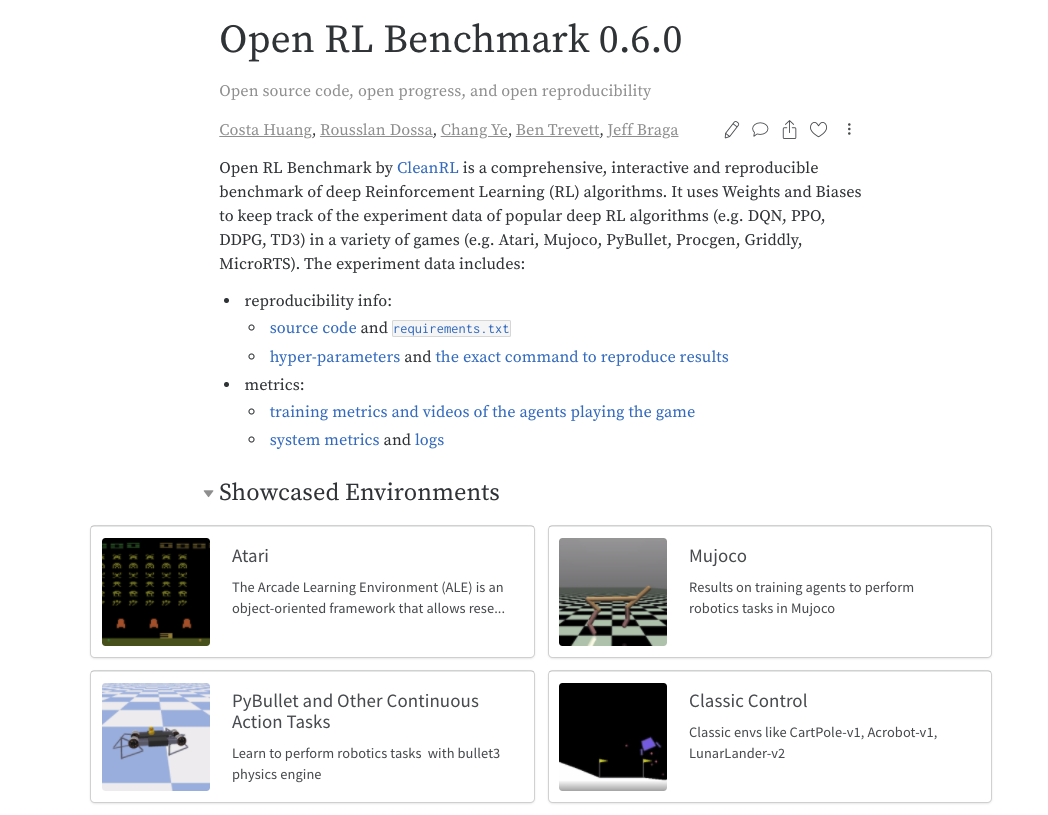
[CleanRL](https://github.com/vwxyzjn/cleanrl)의 [OpenRL Benchmark](https://wandb.me/openrl-benchmark-report)는 OpenAI Gym 예제에 이 인테그레이션을 사용합니다. gym을 사용하는 방법을 보여 주는 소스 코드([특정 run에 사용된 코드](https://wandb.ai/cleanrl/cleanrl.benchmark/runs/2jrqfugg/code?workspace=user-costa-huang) 포함)는 다음에서 확인할 수 있습니다.