> ## Documentation Index
> Fetch the complete documentation index at: https://docs.wandb.ai/llms.txt
> Use this file to discover all available pages before exploring further.
# 오프라인으로 메트릭을 저장한 뒤 나중에 W&B와 동기화할 수 있나요?
기본적으로 `wandb.init`는 메트릭을 클라우드에 실시간으로 동기화하는 프로세스를 시작합니다. 인터넷 연결 없이 실험을 실행해야 하는 경우, 오프라인 모드를 활성화하면 메트릭을 로컬에 기록해 두었다가 연결이 가능해지면 업로드할 수 있습니다. 이 페이지에서는 오프라인 모드를 구성하고 나중에 데이터를 동기화하는 방법을 설명합니다.
오프라인 모드를 활성화하려면 다음 환경 변수를 설정하세요:
* `WANDB_API_KEY=[YOUR-API-KEY]`, 여기서 `[YOUR-API-KEY]`는 [User Settings](https://wandb.ai/settings)에서 생성한 API 키입니다.
* `WANDB_MODE="offline"`.
다음은 이를 스크립트에서 구현하는 예시입니다:
```python theme={null}
import wandb
import os
os.environ["WANDB_API_KEY"] = "[YOUR-API-KEY]"
os.environ["WANDB_MODE"] = "offline"
config = {
"dataset": "CIFAR10",
"machine": "offline cluster",
"model": "CNN",
"learning_rate": 0.01,
"batch_size": 128,
}
with wandb.init(project="offline-demo") as run:
for i in range(100):
run.log({"accuracy": i})
```
다음 이미지는 샘플 터미널 출력을 보여줍니다:
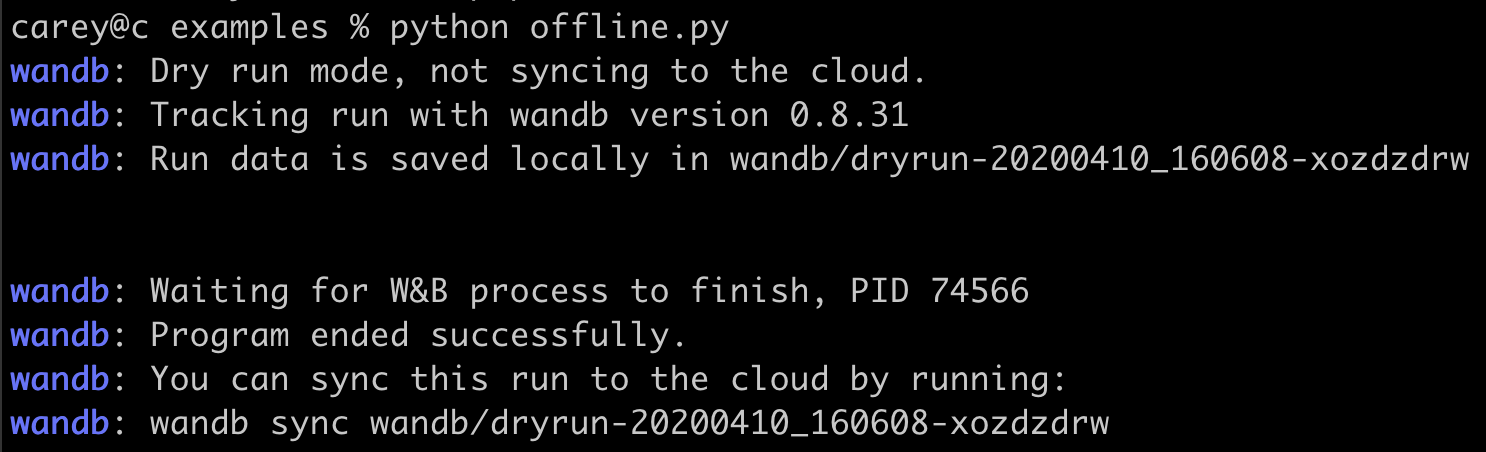 인터넷 연결을 사용할 수 있게 되면 로컬에 저장된 run 데이터를 클라우드에 동기화하려면 다음 명령어를 실행하세요. `[DRYRUN-FOLDER-NAME]`을 로컬 run 폴더 이름으로 바꾸세요:
```bash theme={null}
wandb sync wandb/[DRYRUN-FOLDER-NAME]
```
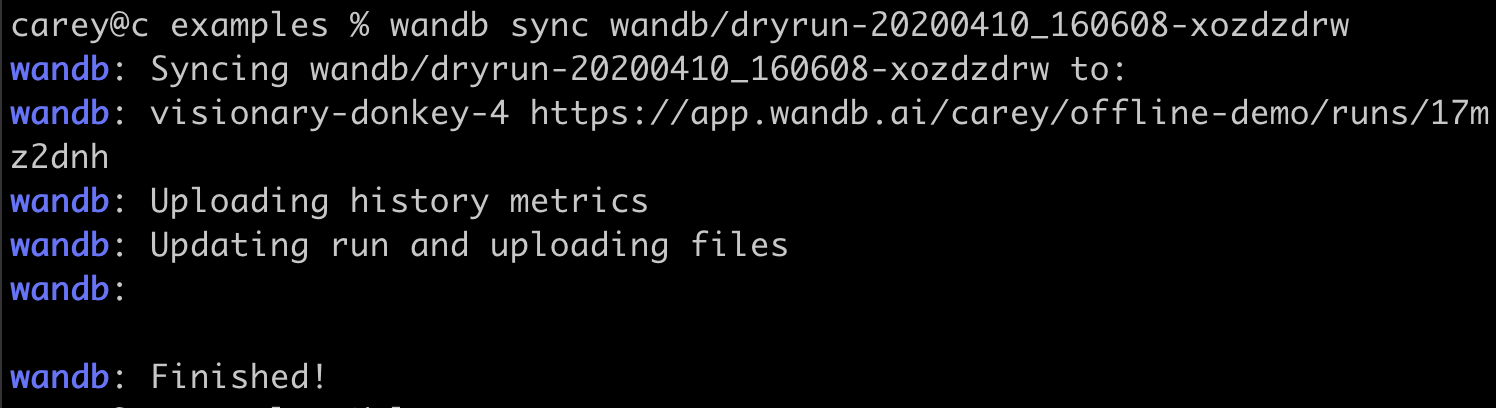
인터넷 연결을 사용할 수 있게 되면 로컬에 저장된 run 데이터를 클라우드에 동기화하려면 다음 명령어를 실행하세요. `[DRYRUN-FOLDER-NAME]`을 로컬 run 폴더 이름으로 바꾸세요:
```bash theme={null}
wandb sync wandb/[DRYRUN-FOLDER-NAME]
```
 ***
[Experiments](/ko/support/models/tags/experiments)[환경 변수](/ko/support/models/tags/environment-variables)[메트릭](/ko/support/models/tags/metrics)
***
[Experiments](/ko/support/models/tags/experiments)[환경 변수](/ko/support/models/tags/environment-variables)[메트릭](/ko/support/models/tags/metrics)