> ## Documentation Index
> Fetch the complete documentation index at: https://docs.wandb.ai/llms.txt
> Use this file to discover all available pages before exploring further.
# 리포트에 이미지 업로드하기
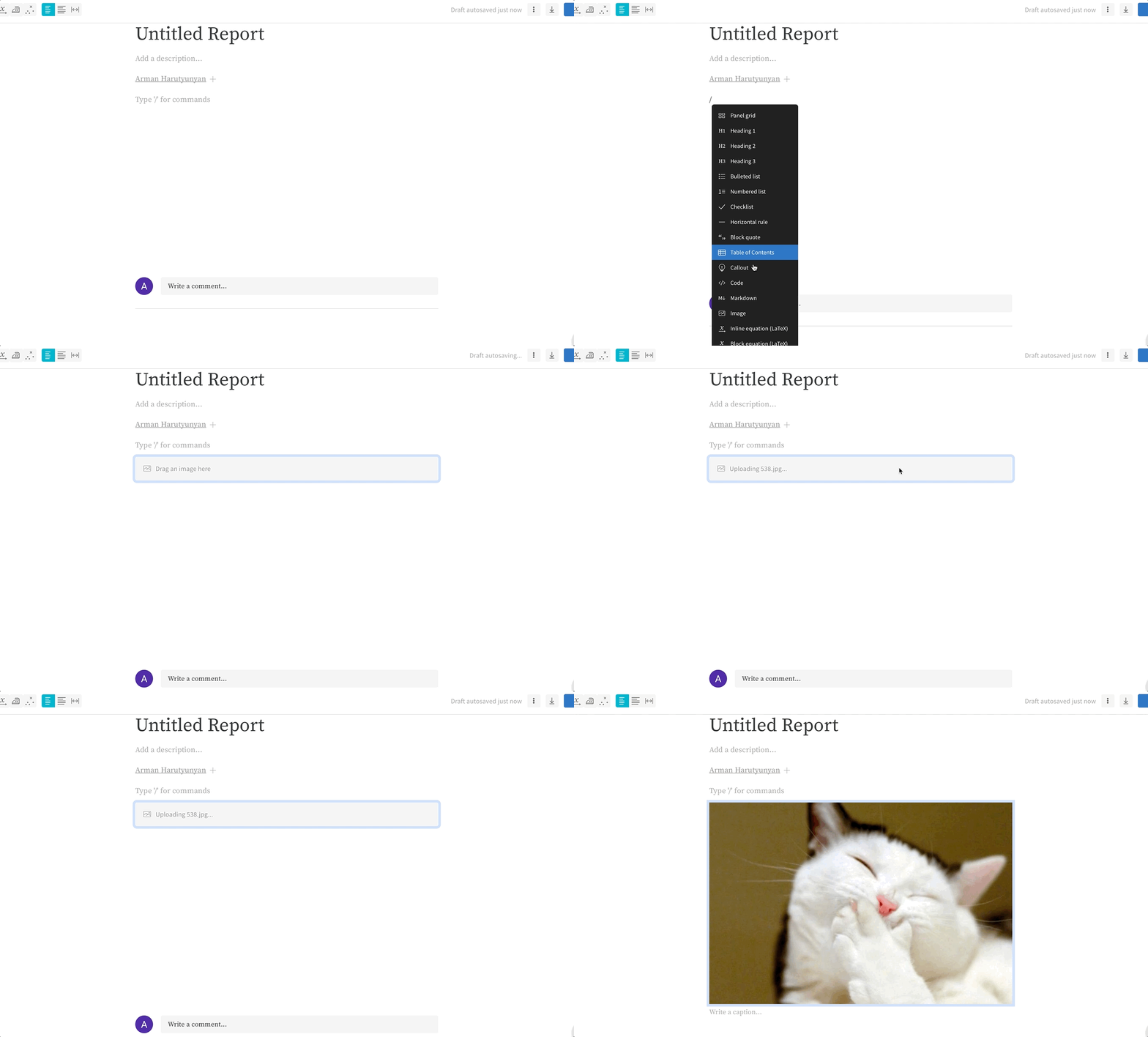
리포트에 이미지를 업로드하려면 다음 단계를 따르세요:
1. 새 줄에 `/`를 입력합니다.
2. **Image** 옵션까지 스크롤합니다.
3. 이미지를 리포트로 드래그 앤 드롭합니다.
 ***
[Reports](/ko/support/models/tags/reports)
***
[Reports](/ko/support/models/tags/reports)