> ## Documentation Index
> Fetch the complete documentation index at: https://docs.wandb.ai/llms.txt
> Use this file to discover all available pages before exploring further.
# Filter and delete unwanted reports
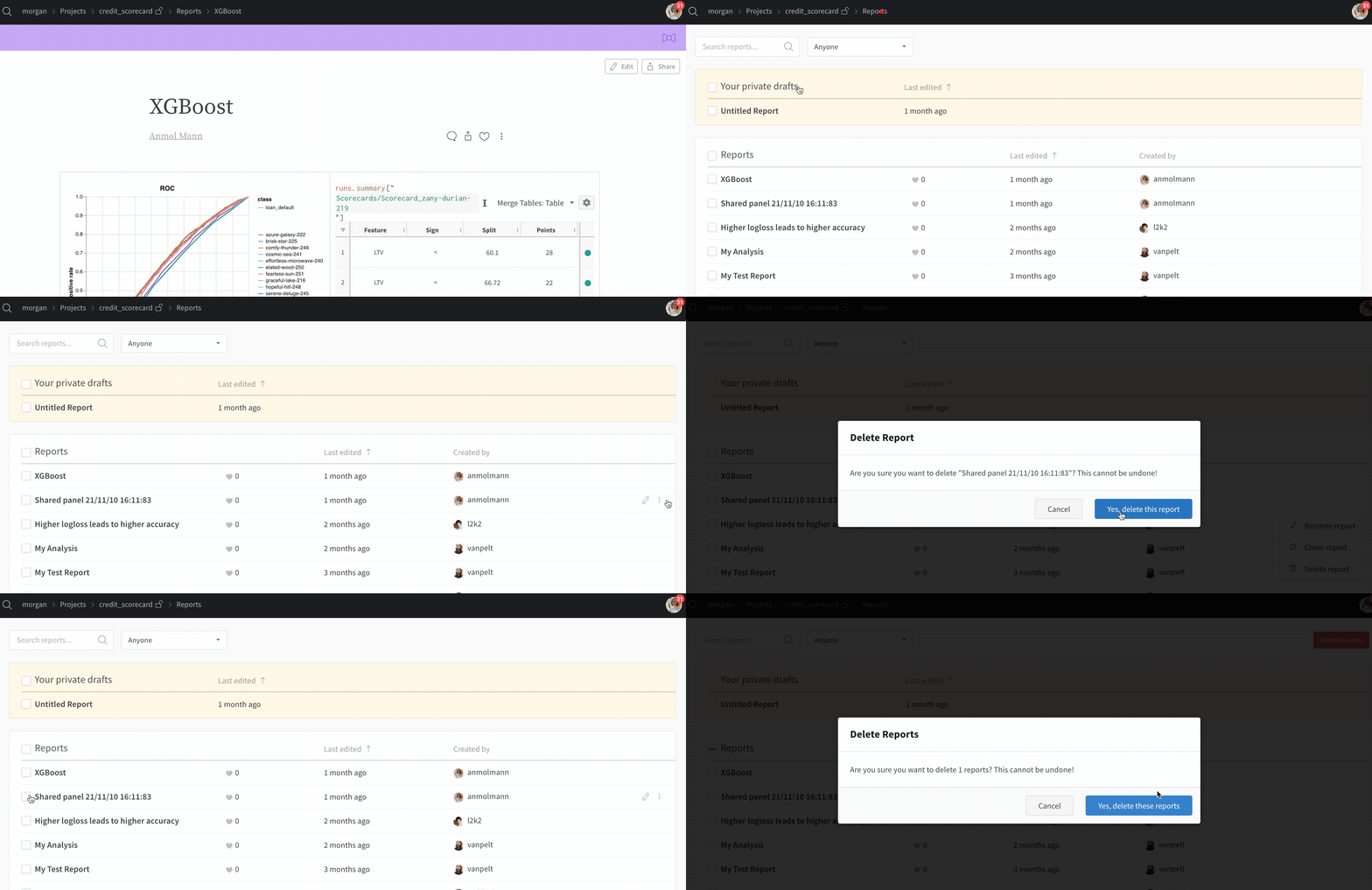
To keep a project organized, remove reports you no longer need. Use the search bar to filter the reports list, then do one of the following:
* To delete a single report, select the unwanted report.
* To delete multiple reports, select all reports and click **Delete Reports**.
 ***
[Reports](/support/models/tags/reports)
***
[Reports](/support/models/tags/reports)