> ## Documentation Index
> Fetch the complete documentation index at: https://docs.wandb.ai/llms.txt
> Use this file to discover all available pages before exploring further.
# Is it possible to save metrics offline and sync them to W&B later?
By default, `wandb.init` starts a process that syncs metrics in real time to the cloud. If you need to run experiments without an internet connection, you can enable offline mode to log metrics locally and upload them once a connection is available. This page shows how to configure offline mode and sync your data later.
To enable offline mode, set the following environment variables:
* `WANDB_API_KEY=[YOUR-API-KEY]`, where `[YOUR-API-KEY]` is an API key created at [User Settings](https://wandb.ai/settings).
* `WANDB_MODE="offline"`.
The following example shows how to implement this in a script:
```python theme={null}
import wandb
import os
os.environ["WANDB_API_KEY"] = "[YOUR-API-KEY]"
os.environ["WANDB_MODE"] = "offline"
config = {
"dataset": "CIFAR10",
"machine": "offline cluster",
"model": "CNN",
"learning_rate": 0.01,
"batch_size": 128,
}
with wandb.init(project="offline-demo") as run:
for i in range(100):
run.log({"accuracy": i})
```
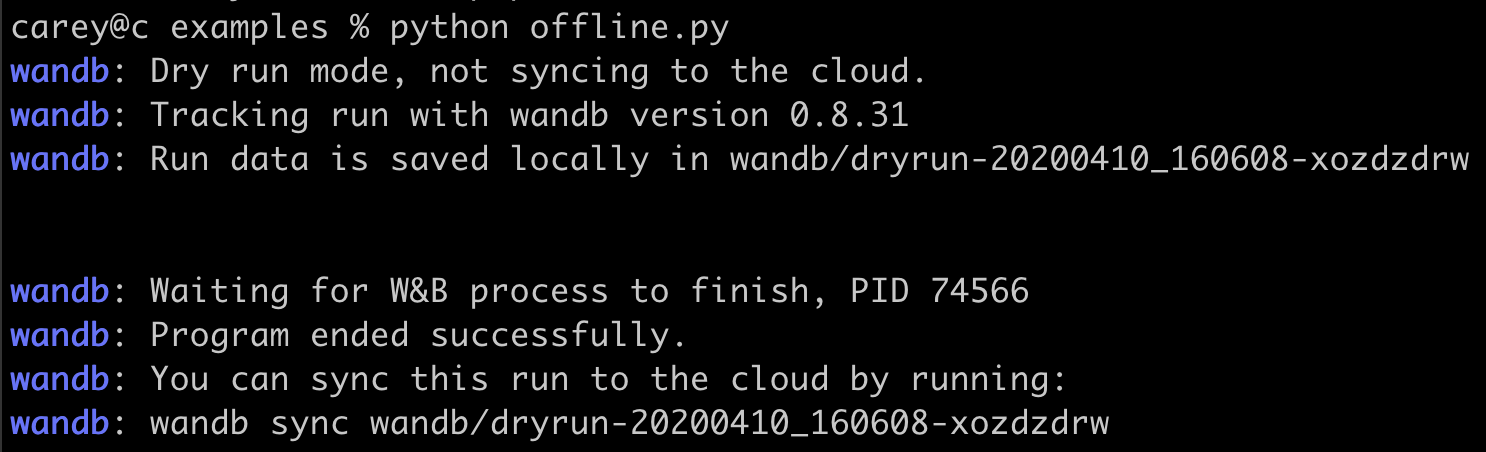
The following image shows sample terminal output:
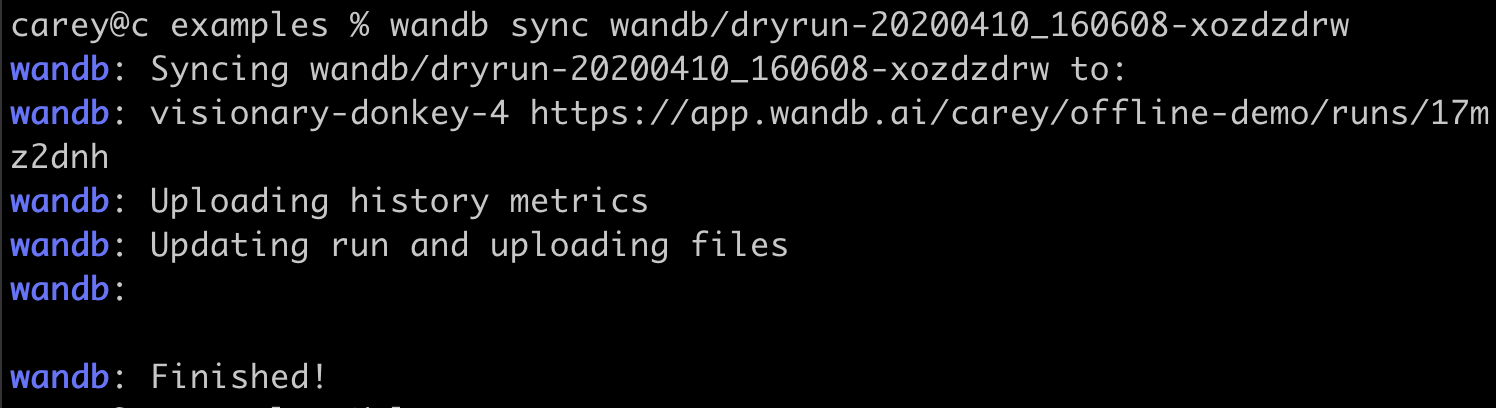
 Once an internet connection is available, run the following command to sync your locally stored run data to the cloud. Replace `[DRYRUN-FOLDER-NAME]` with the name of your local run folder:
```bash theme={null}
wandb sync wandb/[DRYRUN-FOLDER-NAME]
```
Once an internet connection is available, run the following command to sync your locally stored run data to the cloud. Replace `[DRYRUN-FOLDER-NAME]` with the name of your local run folder:
```bash theme={null}
wandb sync wandb/[DRYRUN-FOLDER-NAME]
```
 ***
[Experiments](/support/models/tags/experiments)[Environment Variables](/support/models/tags/environment-variables)[Metrics](/support/models/tags/metrics)
***
[Experiments](/support/models/tags/experiments)[Environment Variables](/support/models/tags/environment-variables)[Metrics](/support/models/tags/metrics)