

Prerequisites
Before you begin, complete the following:- Set up Azure OpenAI service according to official Azure documentation.
- Configure a W&B account with an API key.
Workflow overview
The following stages summarize how a typical Azure OpenAI fine-tuning job flows through W&B, from preparing the job through evaluating the resulting model.Fine-tuning setup
Fine-tuning setup involves the following steps:- Prepare training data according to Azure OpenAI requirements.
- Configure the fine-tuning job in Azure OpenAI.
- Track the fine-tuning process and log metrics and hyperparameters with W&B.
Experiment tracking
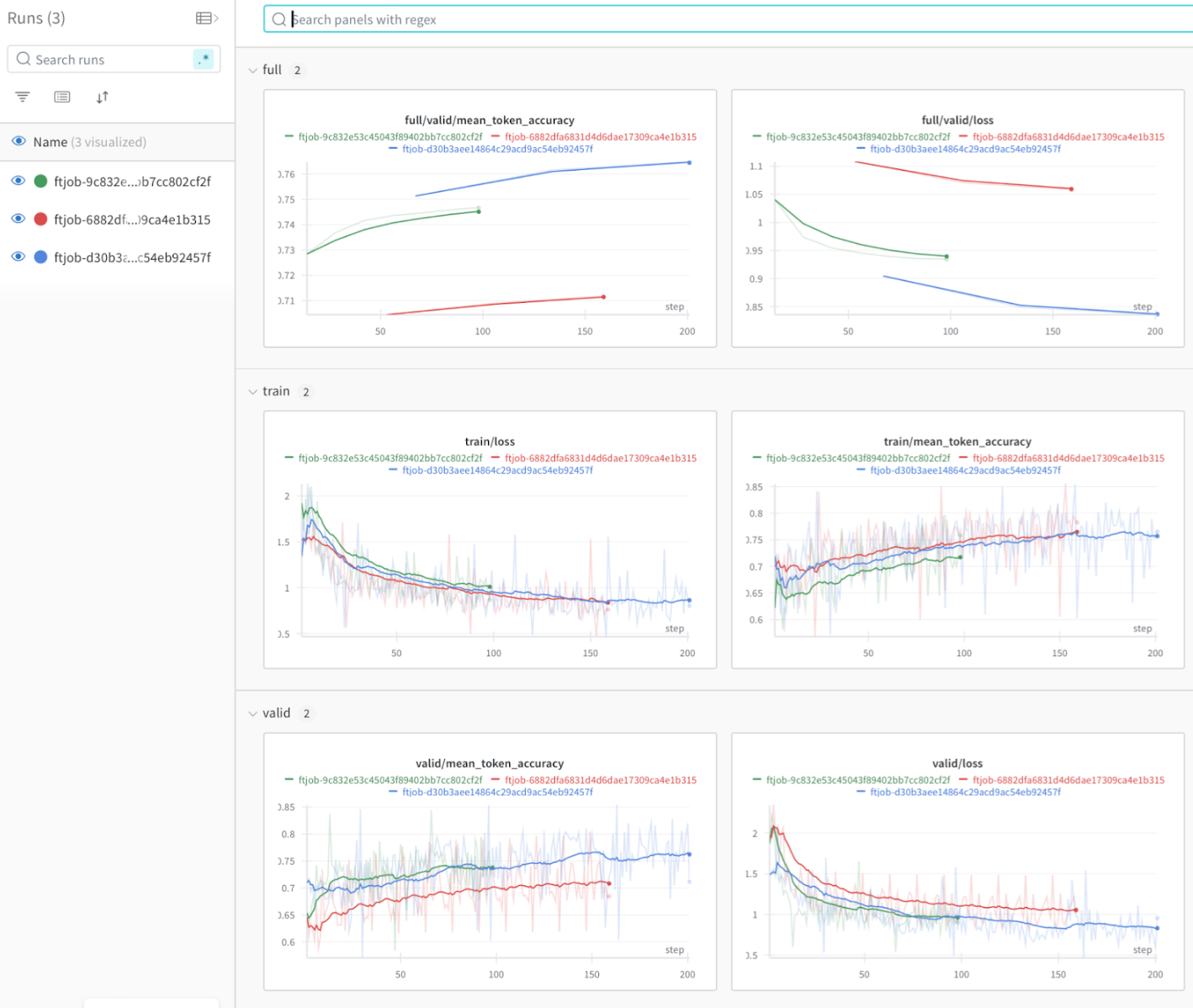
During fine-tuning, W&B captures:- Training and validation metrics.
- Model hyperparameters.
- Resource usage.
- Training artifacts.
Model evaluation
After fine-tuning, use W&B Weave to:- Evaluate model outputs against reference datasets.
- Compare performance across different fine-tuning runs.
- Analyze model behavior on specific test cases.
- Make data-driven decisions for model selection.
Real-world example
To see the integration applied end-to-end, explore the following resources:- Explore the medical note generation demo to see how this integration facilitates:
- Systematic tracking of fine-tuning experiments.
- Model evaluation using domain-specific metrics.
- Work through an interactive fine-tuning notebook.