

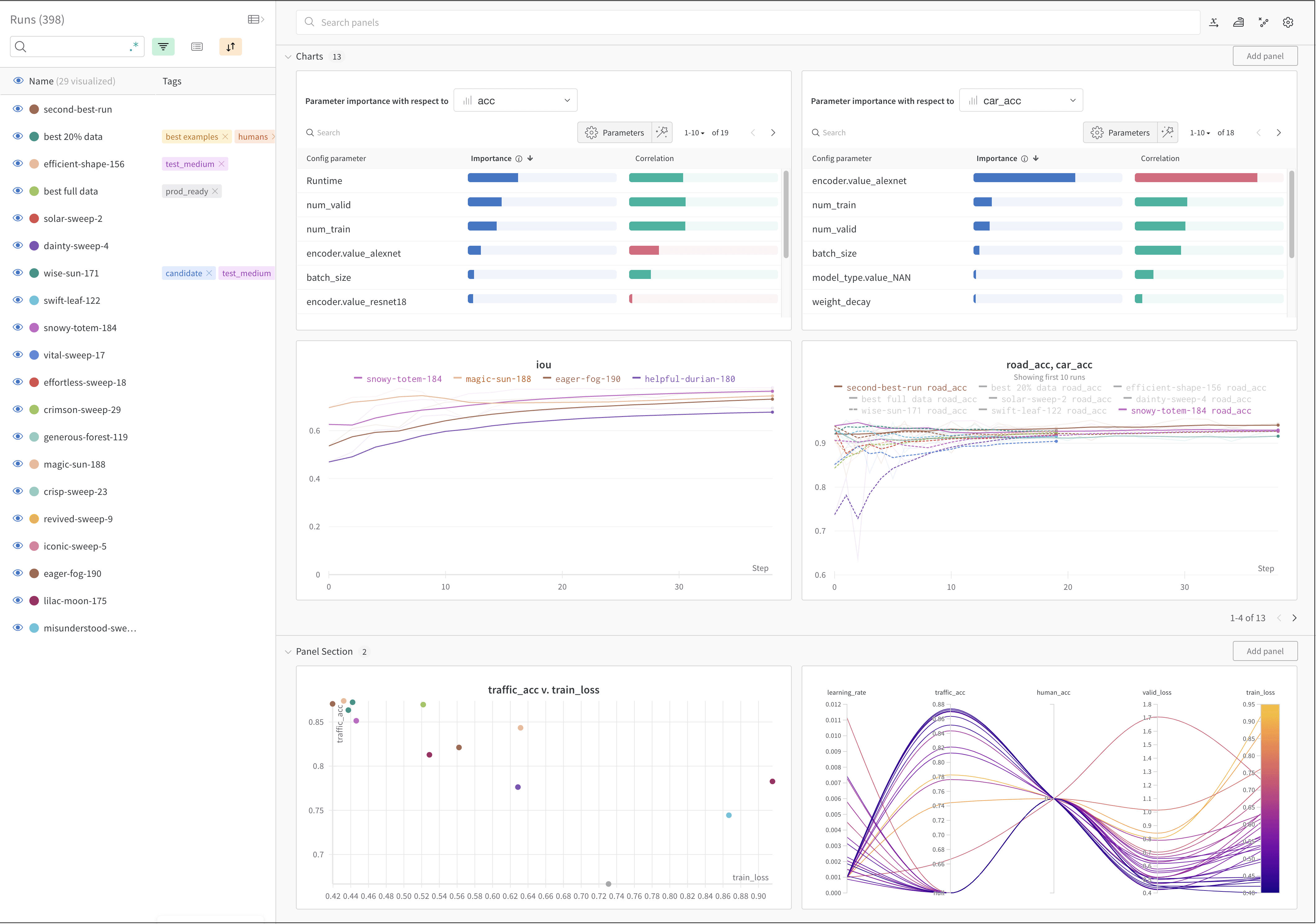
How it works
Track a machine learning experiment with a few lines of code:- Create a W&B Run.
- Store a dictionary of hyperparameters, such as learning rate or model type, into your configuration (
wandb.Run.config). - Log metrics (
wandb.Run.log()) over time in a training loop, such as accuracy and loss. - Save outputs of a run, like the model weights or a table of predictions.
my-team with your W&B team entity and my-project-name with your project name.
Get started
Depending on your use case, explore the following resources to get started with W&B Experiments:- Read the W&B Quickstart to learn how to set up W&B and track your first experiment.
- Try the Get Started with W&B Models to learn how to use W&B to track, share, and manage model artifacts in your machine learning workflows.
- Explore this chapter to learn how to:
- Explore the W&B Python Library within the W&B API Reference Guide.