

LLM Evaluation Jobs is in Preview for W&B Multi-tenant Cloud. Compute is free during the preview period. See LLM Evaluation Jobs pricing for details.
How it works
Evaluate a model checkpoint or a publicly accessible hosted OpenAI-compatible model in just a few steps:- Set up an evaluation job in W&B Models. Define its benchmarks and configuration, such as whether to generate a leaderboard.
- Launch the evaluation job.
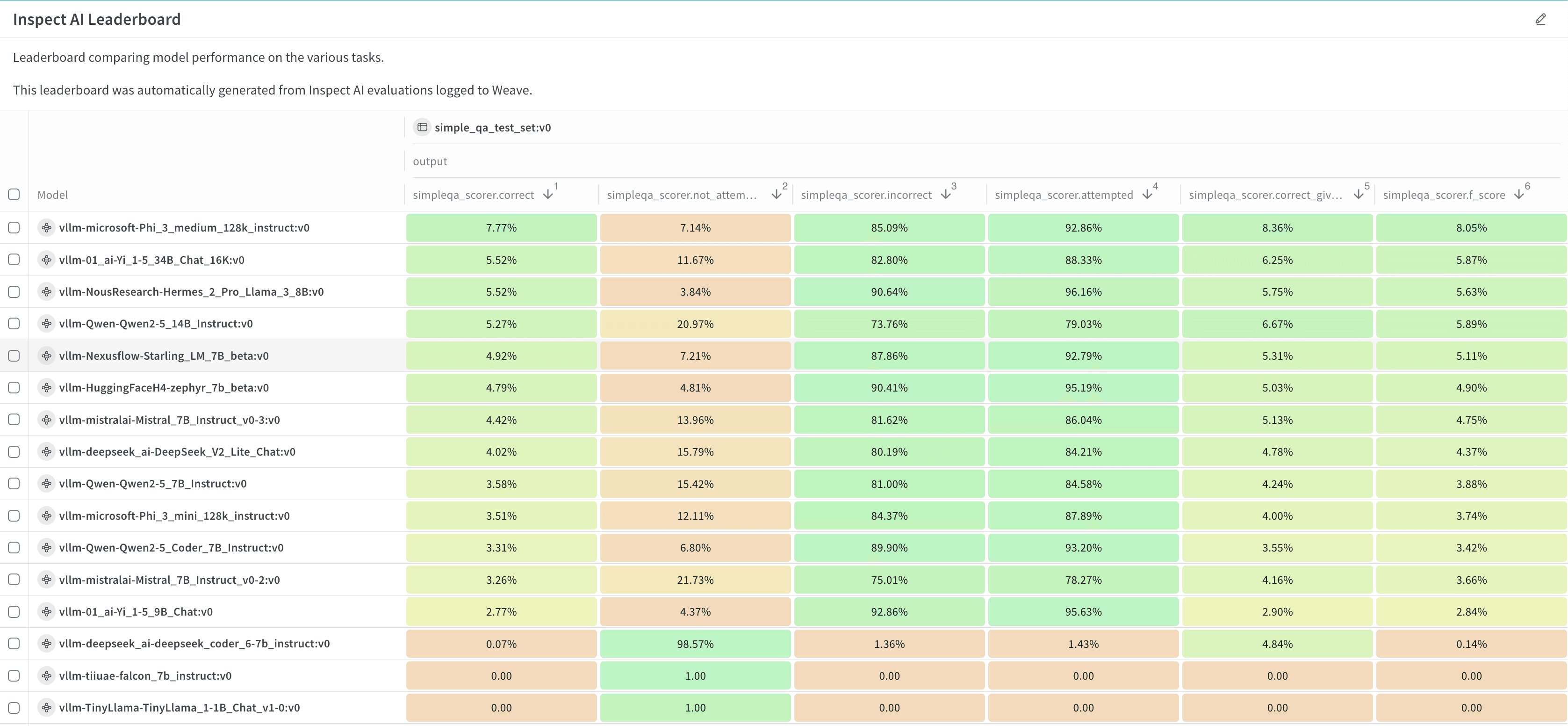
- View and analyze the results and leaderboard.
Next steps
More details
Pricing
LLM Evaluation Jobs evaluates a model checkpoint or hosted API against popular benchmarks on fully-managed CoreWeave compute, with no infrastructure to manage. You pay only for resources consumed, not idle time. Pricing has two components: compute and storage. Compute is free during public preview, and we will announce pricing at general availability. Stored results include metrics and per-example traces saved in Models runs. Storage is billed monthly based on data volume. During the preview period, LLM Evaluation Jobs is available for Multi-tenant Cloud only. See the Pricing page for details.Job limits
An individual evaluation job has these limits:- The maximum size for a model to evaluate is 86 GB, including context.
- Each job is limited to two GPUs.
Requirements
- To evaluate a model checkpoint, the model weights must be packaged as a VLLM-compatible artifact. See Example: Prepare a model for details and example code.
- To evaluate an OpenAI-compatible model, it must be accessible at a public URL, and an organization or team admin must configure a team secret with the API key for authentication.
- Certain benchmarks use OpenAI models for scoring. To run these benchmarks, an organization or team admin must configure team secrets with the required API keys. See the Evaluation benchmark catalog to determine whether a benchmark has this requirement.
- Certain benchmarks require access to gated datasets in Hugging Face. To run one of these benchmarks, an organization or team admin must request access to the gated dataset in Hugging Face, generate a Hugging Face user access token, and configure it as a team secret. See the Evaluation benchmark catalog to determine whether a benchmark has this requirement.