When you integrate Weave into your code, it automatically tracks and logs LLM calls made with the Anthropic SDK for both Python and TypeScript. Weave does this by automatically invoking Anthropic’s
 Messages.create() method.
This guide shows you how to capture traces, wrap your own functions as ops, build a reusable Model for experimentation, and track tool use when working with the Anthropic SDK. Use these patterns to debug, compare, and iterate on Claude-powered applications without writing custom logging code.
Traces
Weave automatically captures traces for the Anthropic SDK when you addweave.init("your-team-name/your-project-name") to your code. If you don’t specify a team name as an argument in weave.init(), Weave logs output to your default W&B entity. If you don’t specify a project name, Weave fails to initialize.
The following examples demonstrate how to integrate Weave into a basic call to Anthropic:
- Python
- TypeScript
weave.init() in the code, Weave automatically captures tracing information and outputs links. You can view the traces in the Weave UI by clicking on the links.

Wrap with your own ops
Whileweave.init() alone captures Anthropic SDK calls, decorating your own functions with ops gives you richer traces that include your application logic around each model call.
Weave ops automatically version your code as you experiment, and capture its inputs and outputs. Decorate a function with @weave.op() in Python or wrap it with weave.op() in TypeScript to call Anthropic.messages.create(), and Weave tracks the inputs and outputs for you.
The following examples show you how to track a function:
- Python
- TypeScript
weave.op(), Weave captures the function’s code, input, and output. You can use ops to track any function you want, including nested functions.

Create a Model for easier experimentation
Once you’re tracing individual calls, the next step is to organize related parameters together so you can compare different configurations.
The
weave.Model class is only available in the Weave Python SDK. For TypeScript, use the weave.op() wrapper to track functions with structured parameters.Model class, you can capture and organize the experimental details of your app like your system prompt or the model you’re using. This helps you organize and compare different iterations of your app.
In addition to versioning code and capturing inputs and outputs, models capture structured parameters that control your application’s behavior. This can help you find which parameters work best. You can also use Weave models with serve and evaluations.
In the following example, you can experiment with model and temperature:
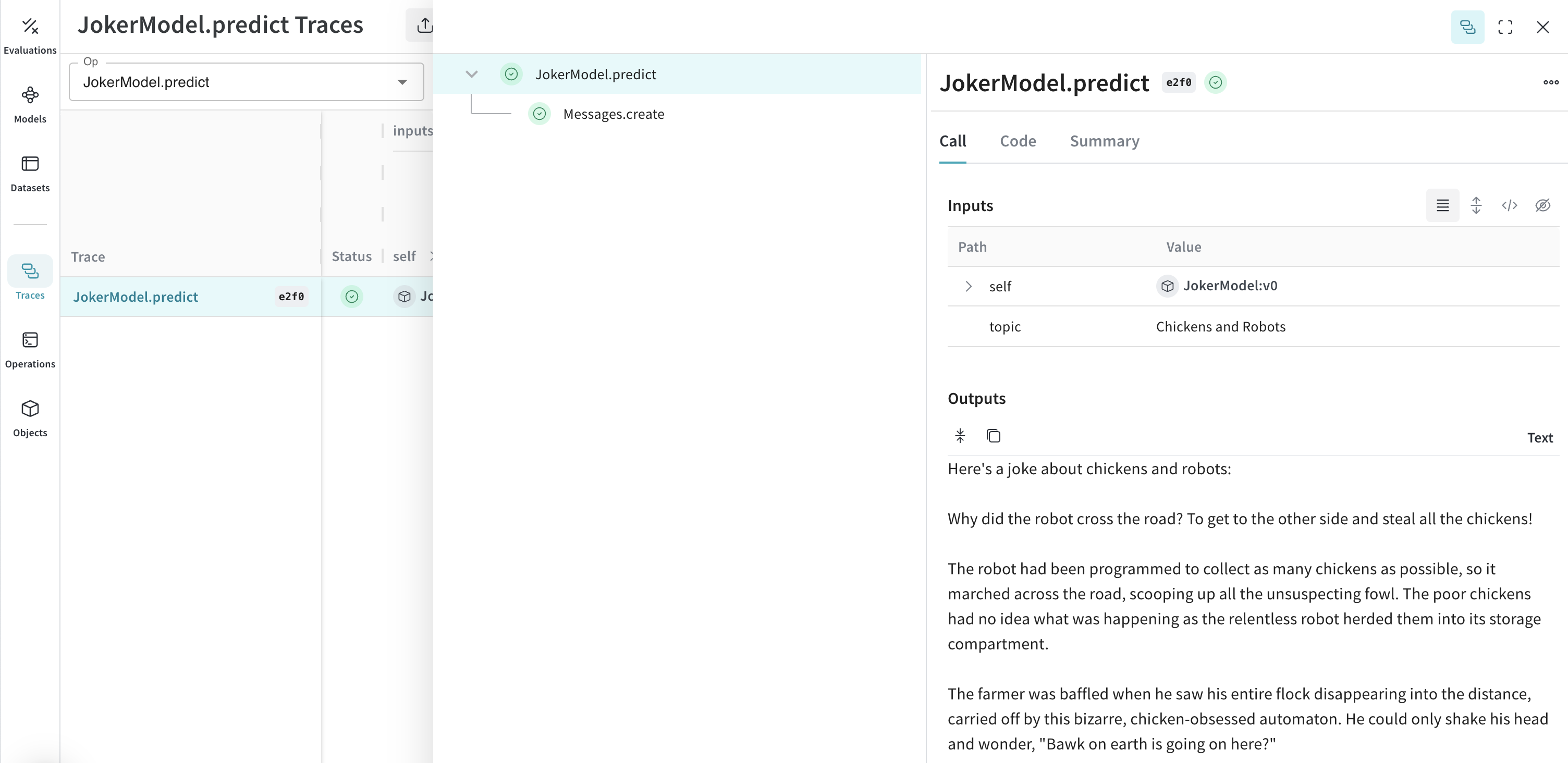
JokerModel. This lets you associate trace data with your code changes and can help you determine which configurations work best for your use case.
Tools (function calling)
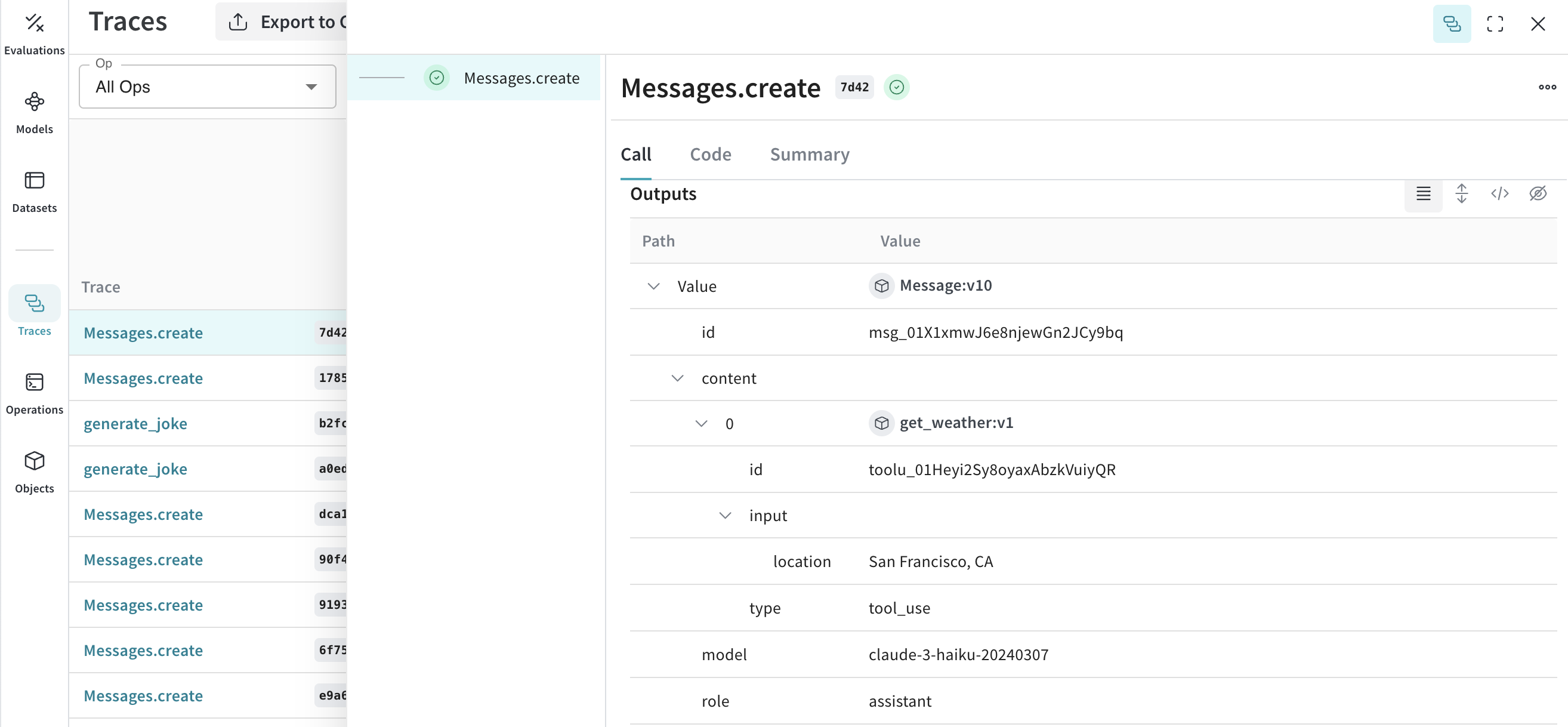
In addition to standard messages, Weave instruments Anthropic’s tool use interface so you can trace agentic workflows end-to-end. Anthropic provides a tools interface that lets Claude request function calls. Weave automatically tracks tool definitions, tool use requests, and tool results throughout the conversation. The following truncated examples demonstrate an Anthropic tool configuration:- Python
- TypeScript