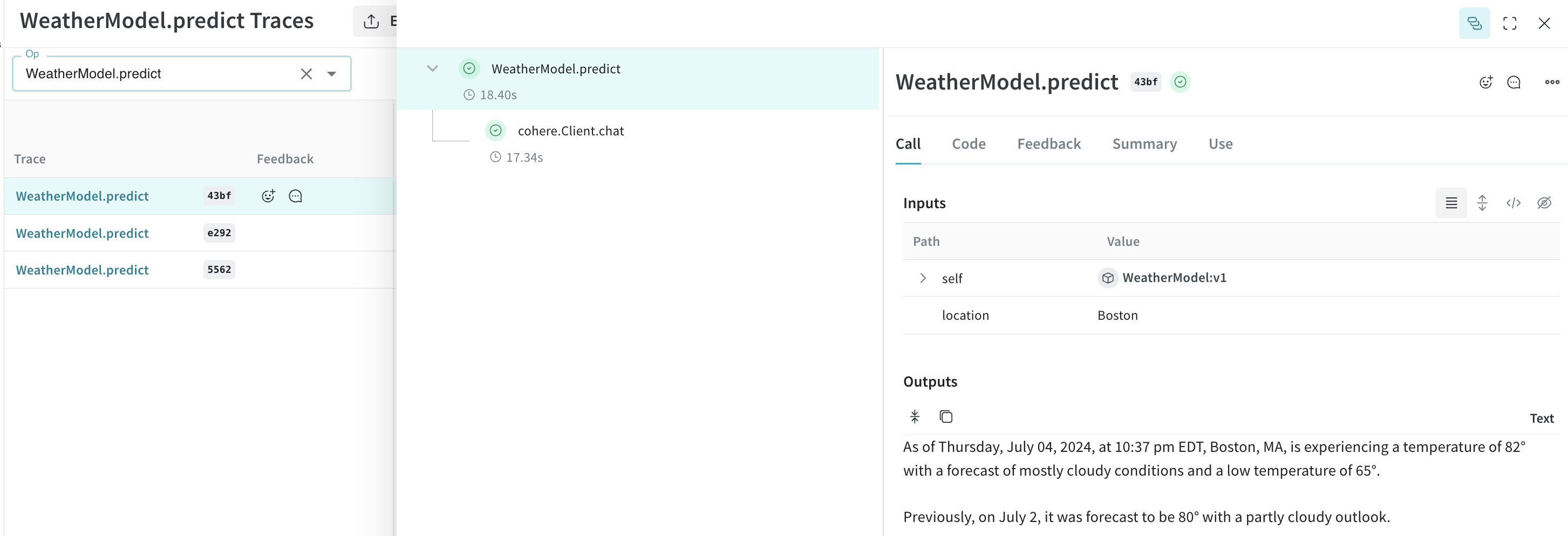
Weave automatically tracks and logs LLM calls made through the Cohere Python library after you call
 weave.init().
Traces
It’s important to store traces of LLM applications in a central database, both during development and in production. You use these traces for debugging and as a dataset that helps you improve your application. Weave automatically captures traces forcohere-python. Use the library as usual. Start by calling weave.init():
weave.init(), Weave uses your default entity. To find or update your default entity, refer to User Settings in the W&B Models documentation.
Cohere models support connectors, which let you make requests to other APIs on the endpoint side. The response then contains the generated text with citation elements that link to the documents returned from the connector.
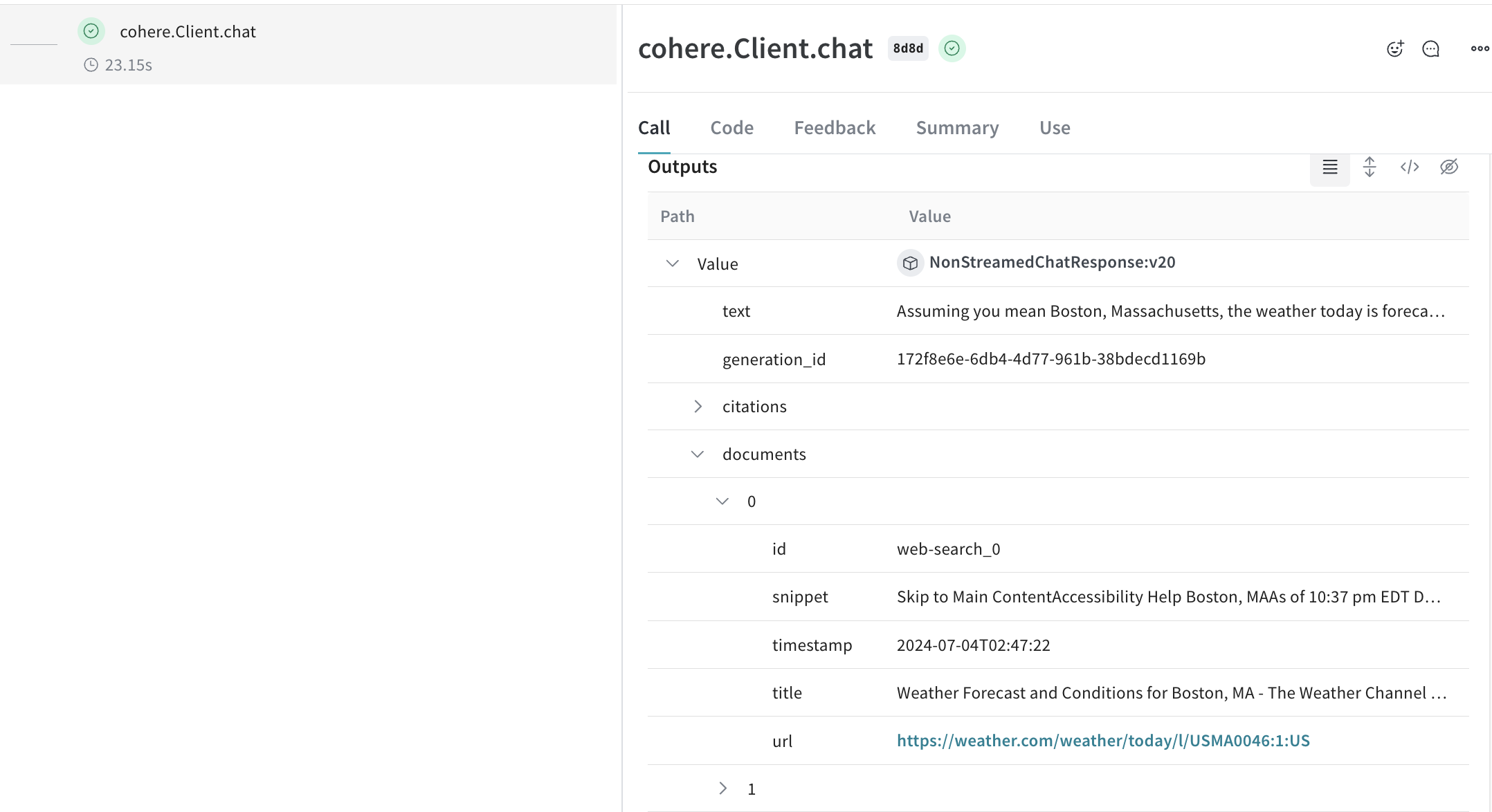
Weave patches the Cohere
Client.chat(), AsyncClient.chat(), Client.chat_stream(), and AsyncClient.chat_stream() methods to track your LLM calls.Wrap with your own ops
Weave ops make results reproducible by automatically versioning code as you experiment, and they capture their inputs and outputs. Create a function decorated with@weave.op() that calls into Cohere’s chat methods, and Weave tracks the inputs and outputs for you. Here’s an example:
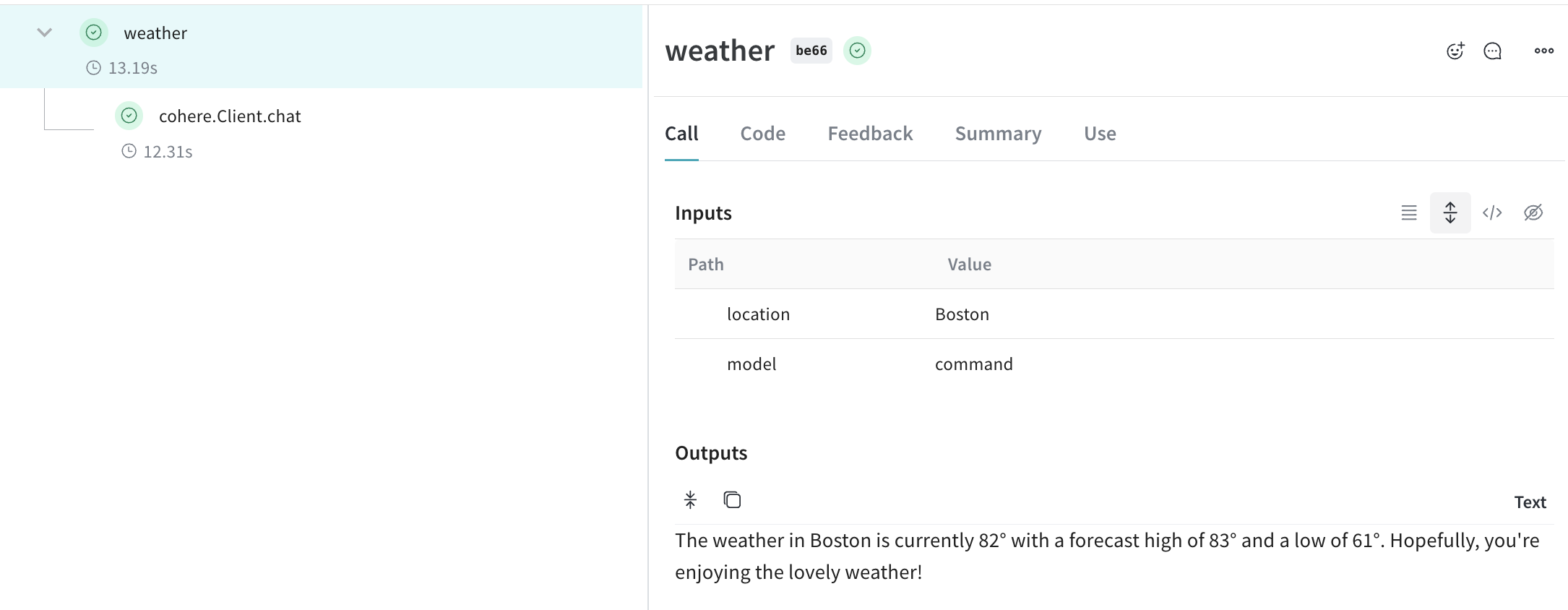
Create a Model for easier experimentation
Organizing experimentation is difficult when there are many moving pieces. By using the Model class, you can capture and organize the experimental details of your app like your system prompt or the model you’re using. This helps organize and compare different iterations of your app.
Beyond versioning code and capturing inputs/outputs, Models capture structured parameters that control your application’s behavior, helping you find what parameters worked best. You can also use Weave Models with serve, and Evaluations.
In the following example, you can experiment with model and temperature. Every time you change one of these, you’ll get a new version of WeatherModel.