Try in Colab Composer is a library for training neural networks better, faster, and cheaper. It contains many state-of-the-art methods for accelerating neural network training and improving generalization, along with an optional Trainer API that makes composing many different enhancements easy. W&B provides a lightweight wrapper for logging your ML experiments. But you donโ€™t need to combine the two yourself: W&B is incorporated directly into the Composer library via the WandBLogger.

Start logging to W&B

from composer import Trainer
from composer.loggers import WandBLogger

trainer = Trainer(..., logger=WandBLogger())
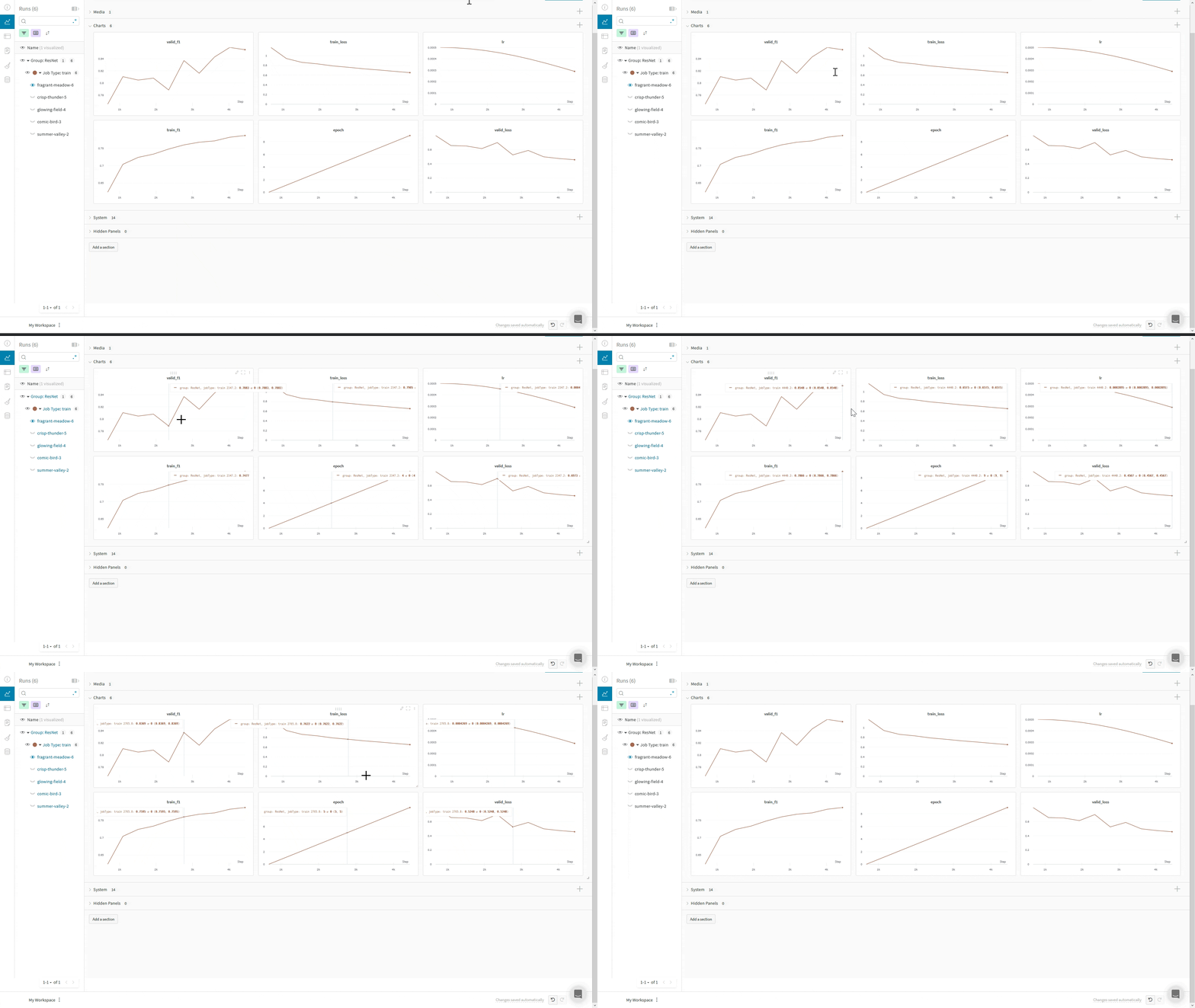
Interactive dashboards

Use Composerโ€™s WandBLogger

The Composer library uses WandBLogger class in the Trainer to log metrics to W&B. It is as simple as instantiating the logger and passing it to the Trainer.
wandb_logger = WandBLogger(project="gpt-5", log_artifacts=True)
trainer = Trainer(logger=wandb_logger)

Logger arguments

Below the parameters for WandbLogger, see the Composer documentation for a full list and description.
ParameterDescription
projectW&B Project name (str, optional)
groupW&B group name (str, optional)
nameW&B Run name. If not specified, the State.run_name is used (str, optional)
entityW&B entity name, such as your username or W&B Team name (str, optional)
tagsW&B tags (List[str], optional)
log_artifactsWhether to log checkpoints to wandb, default: false (bool, optional)
rank_zero_onlyWhether to log only on the rank-zero process. When logging artifacts, it is highly recommended to log on all ranks. Artifacts from ranks โ‰ฅ1 are not stored, which may discard pertinent information. For example, when using Deepspeed ZeRO, it would be impossible to restore from checkpoints without artifacts from all ranks, default: True (bool, optional)
init_kwargsParams to pass to wandb.init() such as your wandb config etc. See the wandb.init() parameters for parameters that wandb.init() accepts.
A typical usage would be:
init_kwargs = {"notes":"Testing higher learning rate in this experiment", 
               "config":{"arch":"Llama",
                         "use_mixed_precision":True
                         }
               }

wandb_logger = WandBLogger(log_artifacts=True, init_kwargs=init_kwargs)

Log prediction samples

You can use Composerโ€™s Callbacks system to control when you log to W&B via the WandBLogger, in this example a sample of the validation images and predictions is logged:
import wandb
from composer import Callback, State, Logger

class LogPredictions(Callback):
    def __init__(self, num_samples=100, seed=1234):
        super().__init__()
        self.num_samples = num_samples
        self.data = []
        
    def eval_batch_end(self, state: State, logger: Logger):
        """Compute predictions per batch and stores them on self.data"""
        
        if state.timer.epoch == state.max_duration: #on last val epoch
            if len(self.data) < self.num_samples:
                n = self.num_samples
                x, y = state.batch_pair
                outputs = state.outputs.argmax(-1)
                data = [[wandb.Image(x_i), y_i, y_pred] for x_i, y_i, y_pred in list(zip(x[:n], y[:n], outputs[:n]))]
                self.data += data
            
    def eval_end(self, state: State, logger: Logger):
        with wandb.init() as run:
            "Create a wandb.Table and logs it"
            columns = ['image', 'ground truth', 'prediction']
            table = wandb.Table(columns=columns, data=self.data[:self.num_samples])
            run.log({'sample_table':table}, step=int(state.timer.batch))         
...

trainer = Trainer(
    ...
    loggers=[WandBLogger()],
    callbacks=[LogPredictions()]
)